
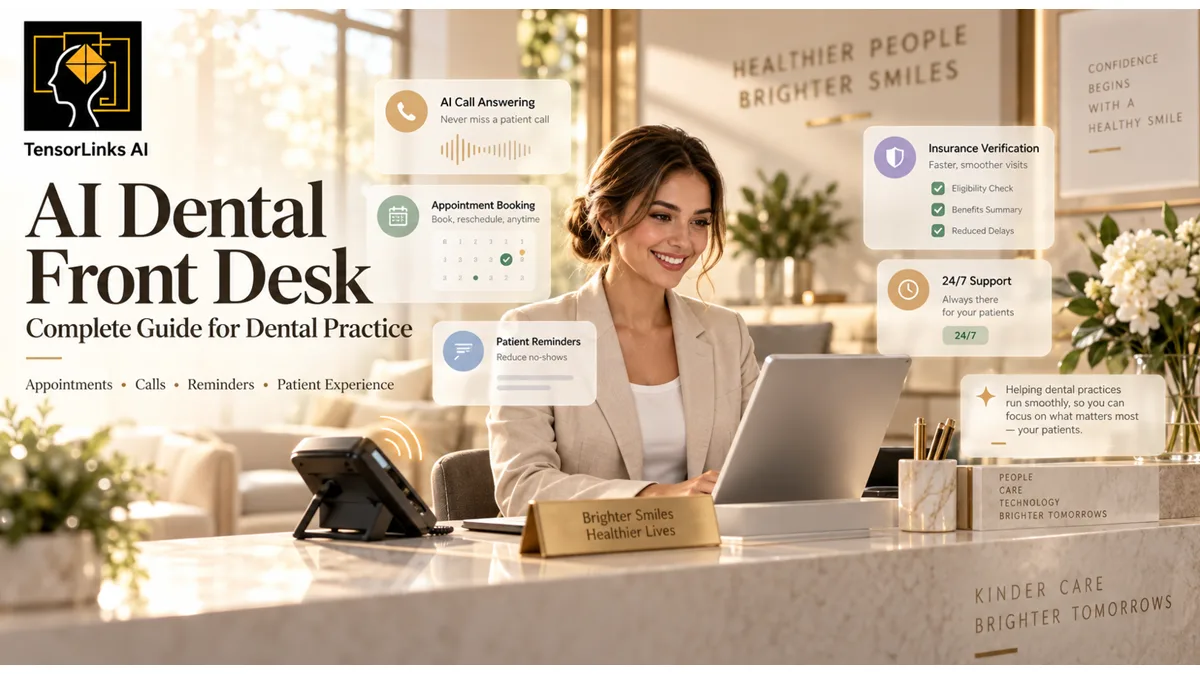
How many patient calls is your practice missing?
Most dental practices miss 30-40% of inbound calls. See how AI reception can capture every call 24/7.
A patient arrives for check-in. The phone rings. Another patient needs to reschedule, and someone is waiting for an answer about their first visit. Which conversation should your front desk handle first?
Rather than asking your team to do everything at once, consider a different approach: let technology handle clearly defined administrative tasks while your people focus on the conversations that need their attention. That is the role an AI dental front desk should play.
This guide explains what an AI dental front desk does, what to look for when evaluating one, and how to introduce it without losing the personal touch that defines your practice.
What Is an AI Dental Front Desk?
An AI dental front desk is software that helps manage patient communication and administrative workflows. Depending on the platform and configuration, it can answer calls, respond to messages, schedule appointments, send reminders, and support patient recall — connecting these capabilities across voice, text, and website chat, with appointment booking directly into the practice management system.
The important distinction is between responding to a patient and completing the patient's request. When evaluating an AI front desk, look beyond how naturally it speaks. Ask whether it can complete the right task accurately — and recognize when a staff member should take over.
What Should an AI Dental Front Desk Handle?
Begin with your practice's actual needs rather than a long feature list.
Calls During Busy Periods and After Hours
Decide when AI should answer: after closing, during lunch, when your team is already on another call, or as the first point of contact. Configure a greeting that identifies the practice and explains that the caller is speaking with an AI assistant. Give patients a clear route to a person.
An answered call is only the beginning. Define the acceptable outcome for each request: a confirmed appointment, an answered administrative question, a successful transfer, or a documented follow-up task.
Appointment Booking and Schedule Changes
Set clear boundaries around what the AI may schedule. Your booking rules should specify appointment types, provider availability, appointment length, location, and any restrictions for new or existing patients. Include instructions for cancellations, rescheduling, and requests that require clinical approval.
Do not treat every open calendar slot as an appropriate appointment. A request for a routine hygiene visit should follow a different scheduling pathway from a request involving an urgent concern. Your clinical team should approve those pathways before launch.
Routine Questions and Patient Intake
Build an approved knowledge base covering office hours, directions, parking, services, new-patient paperwork, and practice policies. Use intake workflows to gather the details your team needs without asking for unnecessary information.
Keep insurance-information collection separate from automated insurance verification when evaluating features. The AI should not invent treatment prices, promise insurance coverage, or improvise an answer when the approved information is missing.
Appointment Reminders and Patient Recall
Design reminder workflows around the next action you need the patient to take: confirm, reschedule, or contact the practice. For recall, start with a clearly defined patient group and an approved message. Avoid judging a campaign only by the number of messages sent — follow the result through to an attended appointment.
Human Handoffs
Make escalation part of the design — not an exception added later. Patients should have a straightforward way to request a person. Your practice should also define situations that automatically require human review, such as clinical questions, complaints, unclear requests, or disputes about charges. Require the handoff to include a useful summary so patients do not have to restart the conversation.
Why Practice Management Integration Matters
Before choosing an AI front desk, understand how it connects to your practice management system (PMS). Common integrations include Dentrix Ascend, Eaglesoft, Open Dental, Curve Dental, Denticon, and CareStack. Confirm the supported functions for your exact system, version, and location setup during evaluation.
A product demonstration should show more than an AI saying "You're booked." Ask to see the appointment appear in the correct schedule, assigned to the correct provider and appointment type. Then test a reschedule and cancellation. Also test what happens when the connection fails — the assistant should not tell a patient that an appointment is confirmed unless the booking actually succeeded.
A requested appointment and a confirmed appointment are not the same outcome.
An Example Patient Journey
Consider this illustrative workflow for a patient calling after the office has closed. The AI identifies itself and asks how it can help. The patient requests a new-patient appointment. Following the practice's approved intake process, the assistant gathers the necessary details and checks the permitted appointment options. It offers suitable times, repeats the patient's selection, and attempts the booking.
Once the scheduling system confirms the appointment, the patient receives the approved confirmation and preparation instructions. If the appointment cannot be booked, the assistant explains that staff follow-up is needed and creates a task for the team — it does not present the request as a completed booking.
A clear next step, an accurate record, and no uncertainty about what has been completed.
How to Keep the Patient Experience Personal
Start with the patient's needs rather than the technology. Use a warm, straightforward greeting. Avoid unnecessarily long introductions, excessive questions, and language your patients would not normally use. Give patients time to answer and a clear path out of the automated conversation.
Most importantly, do not make "no human involvement" the objective. A better objective is to complete routine tasks reliably while making human help easy to reach. Your team should remain responsible for clinical judgment, sensitive conversations, and exceptions to practice policy.
Privacy, Security, and Safe Use
For U.S. dental practices subject to HIPAA, patient-data protection needs to be part of the purchasing decision — not something addressed after implementation. A cloud provider creating, receiving, maintaining, or transmitting electronic protected health information on behalf of a covered entity is generally a business associate. A HIPAA-compliant business associate agreement and the other applicable HIPAA safeguards are required; encryption alone does not remove those obligations.
Before connecting patient data, review the agreement, permitted data uses, subprocessors, retention practices, deletion procedures, and incident-response responsibilities. Ask explicitly whether patient information may be used to train models.
For patient-facing AI, establish an operational rule: the assistant handles approved administrative workflows, not independent diagnosis or treatment recommendations. Have qualified clinical staff approve urgent-call routing and escalation instructions. Have your privacy or legal adviser review the deployment.
How to Introduce AI Without Disrupting Your Team
Start With One Clearly Defined Problem
Choose an initial use case such as after-hours appointment requests or overflow calls. Write down what success means. Avoid launching every available workflow at once.
Prepare Your Information and Rules
Assign someone to maintain office hours, provider details, appointment rules, fees approved for disclosure, and escalation contacts. Agree on which requests the AI may complete and which require approval.
Test Difficult Situations
Do not test only straightforward bookings. Include a patient who changes their mind, a caller requesting a person, an unavailable appointment, similar patient names, and a request outside the assistant's approved scope. Check both the conversation and the resulting record.
Review and Expand
During the pilot, review incorrect bookings, unresolved requests, patient complaints, and the time staff spend correcting AI-handled work. Expand only after the original workflow is performing acceptably against your practice's standards.
How to Evaluate Cost and Return on Investment
Compare proposals using the complete cost of operating the service. Include subscription charges, setup, usage fees, integration costs, staff training, and ongoing review time.
Useful outcome measures include:
- Booking quality: eligible requests that become correctly scheduled appointments, alongside errors and corrections
- Patient follow-through: attended appointments, unresolved requests, and patient feedback
- Staff workload: time saved after subtracting review, exception handling, and correction work
Do not count all AI-booked appointments as additional business. Some patients would have booked through your existing process. Compare a pilot with your baseline and document the assumptions behind any ROI estimate.
What to Ask During a Vendor Demonstration
Bring realistic examples from your own practice. Ask the vendor to demonstrate a complete booking, a failed booking, a reschedule, a patient requesting a person, and a question the assistant should not answer. Request clarity on supported integrations, onboarding responsibilities, usage limits, data handling, reporting, and support.
For a multi-location group, test whether the assistant applies the correct hours, providers, policies, and scheduling rules to each location. Choose based on the workflows you can verify, not only the conversation you hear during a polished demonstration.
Frequently Asked Questions
Should AI replace our front-desk staff?
Treat AI as support for defined administrative work. Keep people responsible for patient relationships, clinical coordination, complaints, exceptions, and oversight. Evaluate staffing decisions separately from the software purchase.
How quickly should we launch?
Set the launch date after integration testing, staff training, privacy review, and workflow approval — not before them. Begin with a limited scope and expand based on observed performance.
What should happen when the AI does not understand?
Require it to clarify, transfer, or create a follow-up task. It should not guess at important patient details or claim that an action succeeded when it did not.
What is the first workflow to automate?
Start with the problem your team can describe and measure most clearly. After-hours requests or overflow calls are possible starting points; choose the one that fits your practice's actual needs.
Build a Front Desk That Supports Your People
Your front desk is part of the patient experience — not just an administrative function. Set the same expectations for AI that you would for any patient-facing process: accurate information, appropriate boundaries, reliable follow-through, and an easy way to get help.
Start small. Verify the work. Keep your team involved.
Book a demo to review your patient-communication workflows, scheduling requirements, and opportunities for front-desk automation.
Book a Demo →Tags: AI dental front desk, dental front desk automation, AI receptionist dental, dental practice management software, HIPAA AI dental, dental PMS integration, dental appointment scheduling AI, dental patient communication
Related articles
More from AI Automation on TensorLinks.
AI Receptionist for Dentists: What Can It Actually Do? | TensorLinks AI
Learn what an AI receptionist for dentists can actually do, from answering calls and booking appointments to reminders, intake, and after-hours patient support.
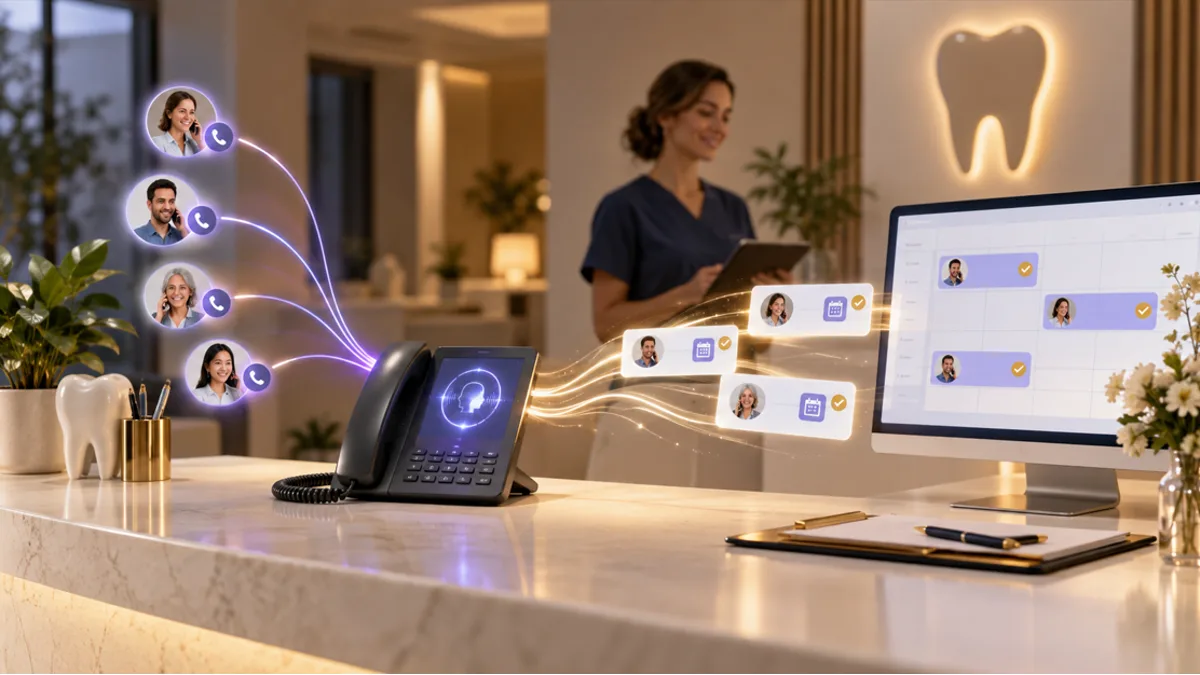
How AI Receptionists Help Dental Practices Stop Missing Calls
Missed-call rates run 30–38% at many dental practices. Learn how an AI dental receptionist provides 24/7 coverage, books appointments automatically, and turns missed calls into scheduled patients.
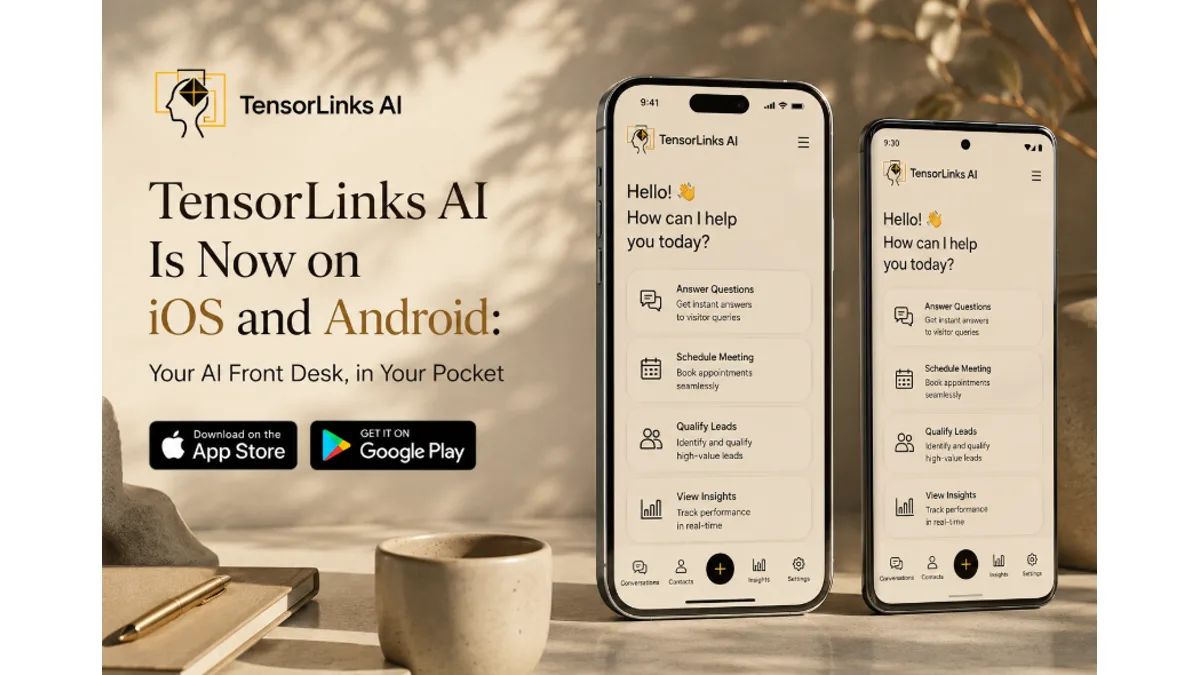
TensorLinks AI Is Now on iOS and Android: Your AI Front Desk, in Your Pocket
TensorLinks AI now runs on your phone. Your AI front desk answers calls and texts 24/7 — and now it reaches you on iOS and Android the moment something needs you. Live calls, patient threads, the schedule, insurance, analytics, and billing, wherever you are standing.

AI Dental Receptionist History: The 2018-2026 Journey
The complete timeline of dental AI receptionists — from TrueLark in 2018, to TensorLinks entering in 2023, to Arini's YC W24 launch, to Weave's $35M TrueLark acquisition. Every founder, funding round, and milestone that shaped the category.
Ready to stop missing patient calls?
TensorLinks AI answers every call 24/7, books appointments into your PMS, and speaks 24+ languages. Join hundreds of dental practices already using AI reception.